
TL;DR
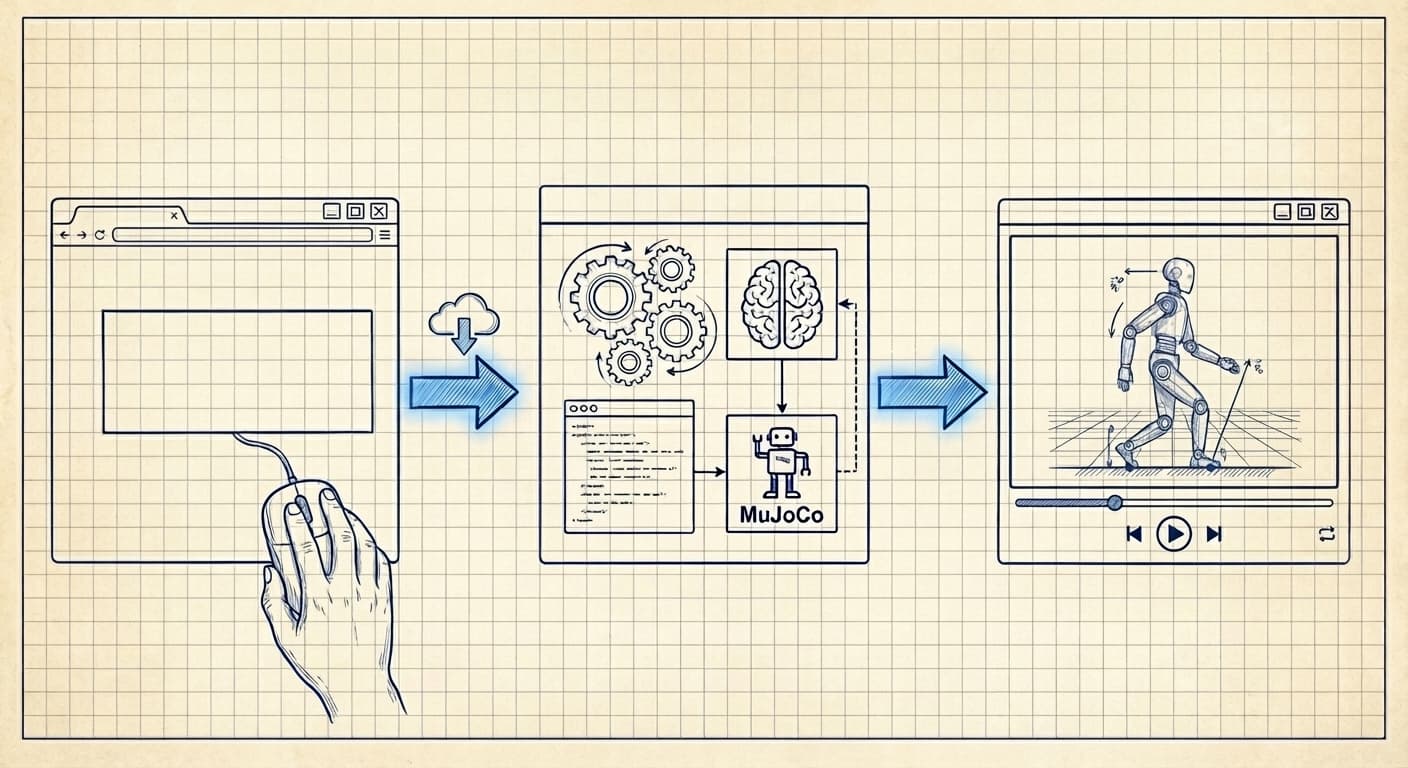
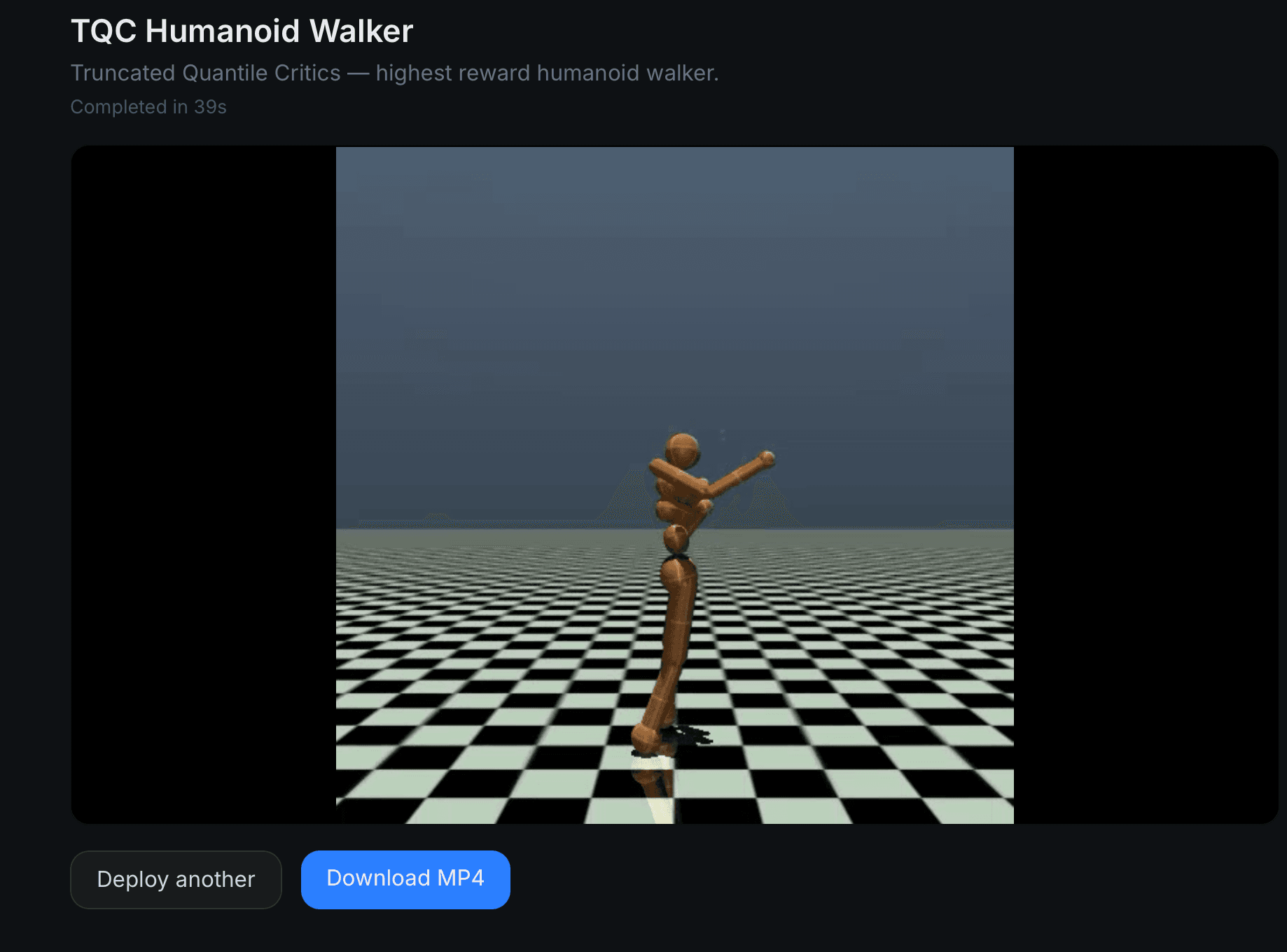
One-Click Policy Deployment turns any HuggingFace RL policy into a 30-second video. No environment setup, no Docker, no Python wrangling. Paste a URL, wait ~90 seconds, watch the robot move.
- Paste a URL, get a video. That's the whole product surface.
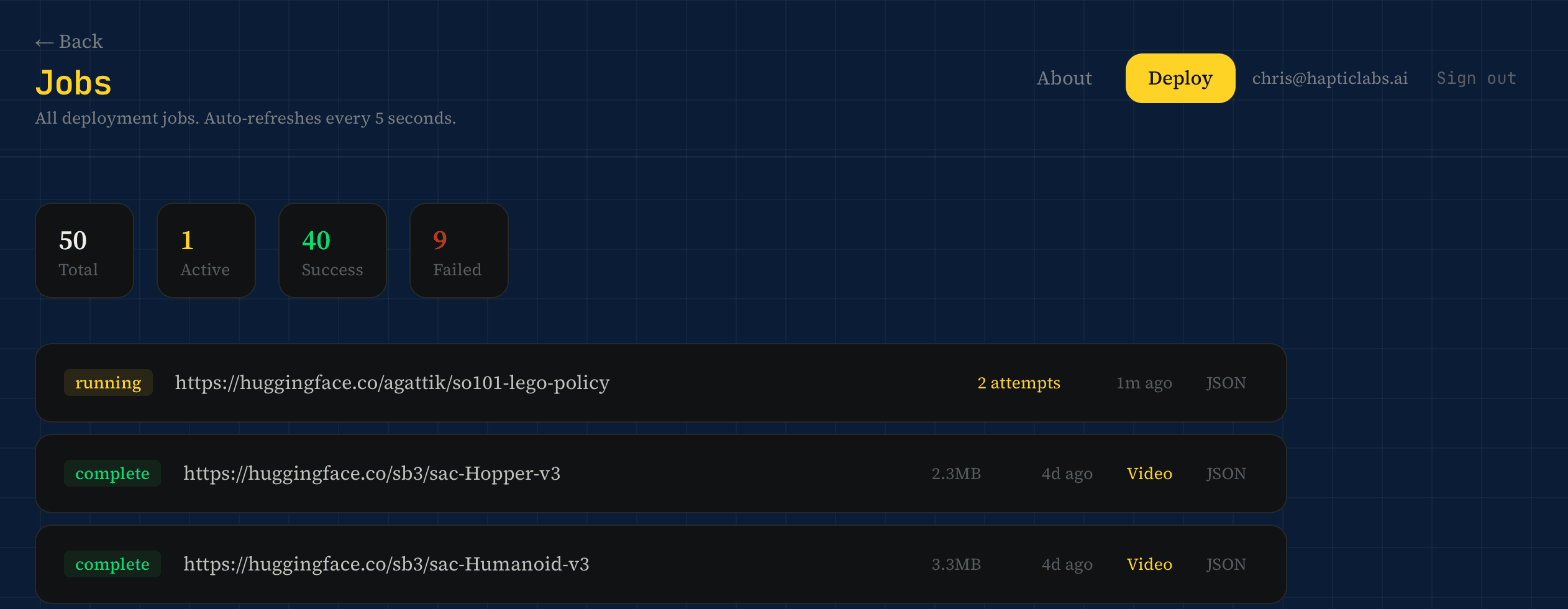
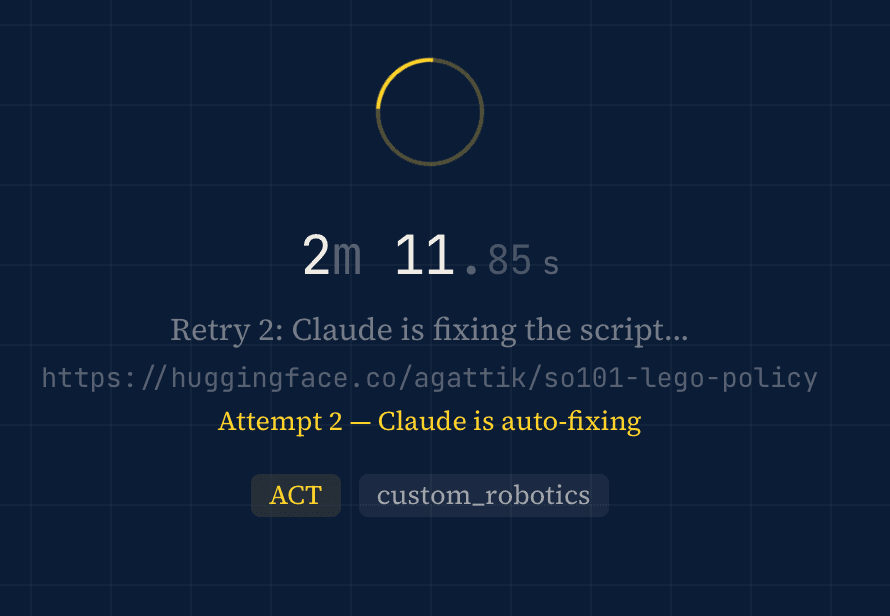
- Claude does the roboticist work. It reads the repo, writes a Python script, runs it on an A100, and auto-retries up to twice when things break.
- Self-healing dependencies. Generated scripts install their own packages at runtime—no Docker rebuilds when a new framework shows up.
- Honest numbers. ~90% success on SB3 MuJoCo policies, 70% on SB3 non-MuJoCo, 20–30% on CleanRL and Sample Factory.
- Built for roboticists tired of being DevOps. And for policy authors who want a video preview to show for their weeks of training.
This is Part 4 in a series. Previously: Deploying MuJoCo on Azure ML, Part 2, and Where Is the Midjourney for Robot Simulations?.
While building SimGen (the prompt-to-simulation engine from Part 3), I find myself spending more and more time on HuggingFace, browsing reinforcement learning policy files. I want to understand what's out there, what the community has trained, what I can build on top of. And I keep running into the same problem.
Most policy listings on HuggingFace don't show you what the policy actually does.
No screenshot. No video. Just a model card (if you're lucky), a .zip file, and a list of dependencies you get to figure out yourself. To see a humanoid walk, I have to clone the repo, create the right Python environment, install the right version of Stable Baselines 3 (or CleanRL, or Sample Factory, each with its own opinions about life), install MuJoCo, install the rendering libraries, write a script to load the weights, run inference, capture frames, and encode a video.
For one policy, that's annoying. For twenty, that's my whole afternoon. And I still might not find a single policy worth using.
So I ask myself the question that has started every project I've ever regretted and loved in equal measure: what if I just built a box that does all of this for me?
Paste a URL, Get a Video
One-Click Policy Deployment is exactly what it sounds like. You paste a HuggingFace URL. You get a video of the robot moving. That's the whole product.
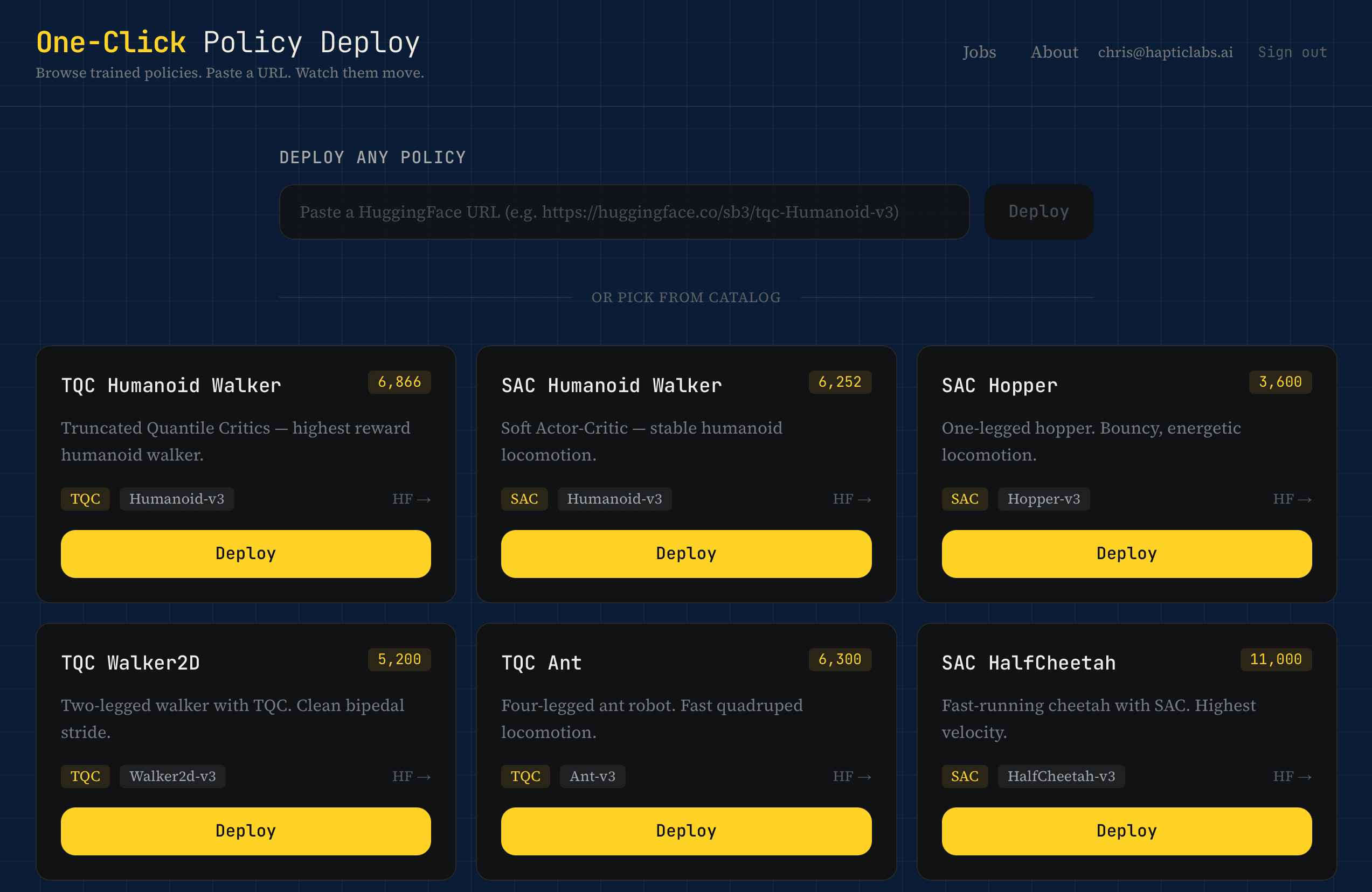
Behind that simplicity sits an agent (Claude) doing the work a roboticist would normally do by hand. When you paste a URL, the backend fetches the repo's metadata, README, file list, and config. It sends all of that to Claude with a straightforward request: figure out what framework this is, what dependencies it needs, and write me a Python script that loads the policy, runs it in MuJoCo, and captures the output.
Claude returns a script. The GPU worker (an A100, because we're not messing around) executes it. If the script fails, Claude reads the traceback, figures out what went wrong, and rewrites it. Up to two retries. The whole thing takes about 90 seconds for a typical SB3 policy.
The Part Where It Heals Itself
The first version had a classic infrastructure problem. Every time someone pasted a policy that needed a package we hadn't pre-installed (gymnasium-robotics, dm_control, shimmy), the deploy would fail. We'd add the package to the Docker image, rebuild, redeploy. Five to ten minutes of manual work, every single time.
The fix is almost embarrassingly simple. Every generated script now installs its own dependencies before importing them. Claude includes the pip install calls right in the code. If the package is already there, pip checks in under a second. If it's not, it installs it. The Docker image only needs Python, MuJoCo system libraries, and FFmpeg. Everything else is self-provisioned.
This means a framework we've never seen before just works, as long as Claude can read the repo and figure out what it needs. No Docker rebuild. No redeployment. The system adapts at runtime.
Honest Numbers
We built a test suite of 100 HuggingFace policies across five categories. SB3 MuJoCo policies (the bread and butter) hit around 90% success. SB3 with non-MuJoCo environments lands closer to 70%. CleanRL and Sample Factory drop to 20–30%, because the checkpoint formats are genuinely different and Claude has to reverse-engineer the loading code from the README alone.
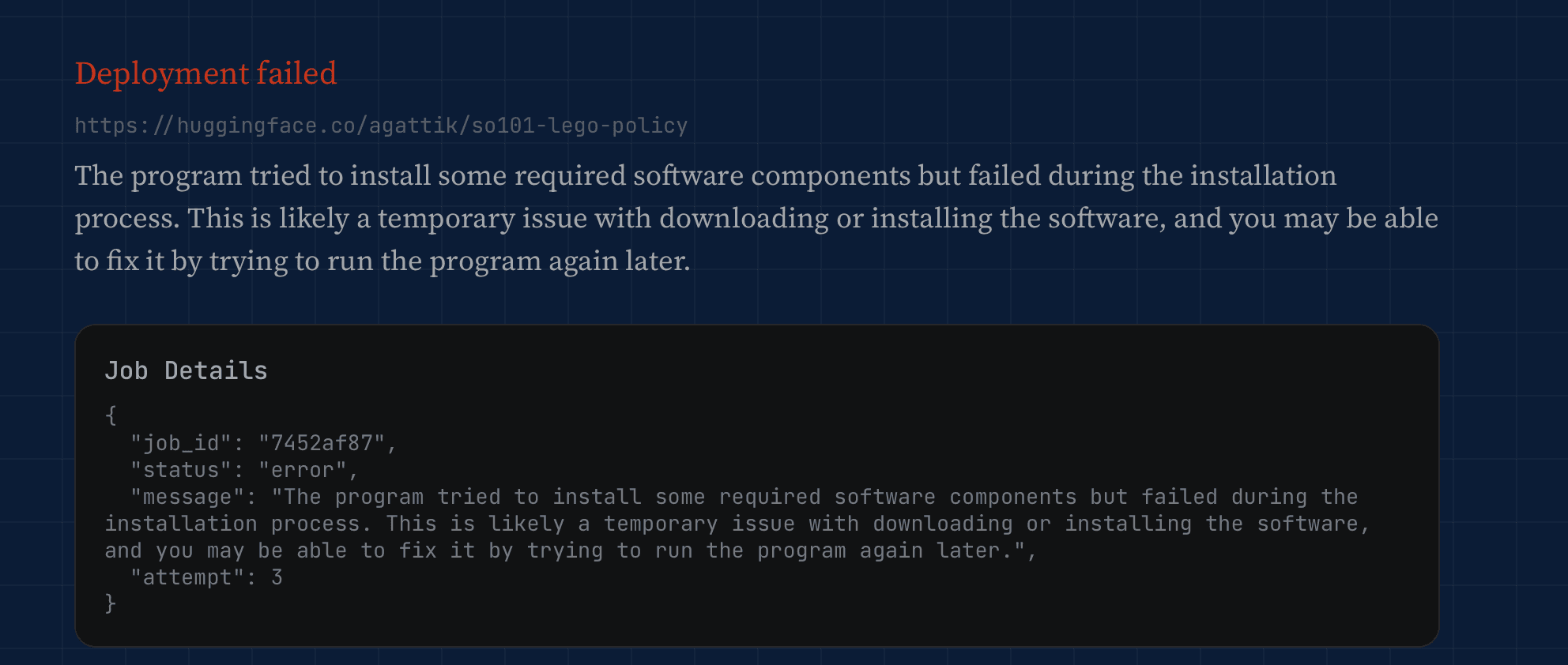
The remaining failures are real. Custom checkpoint formats, non-standard environment wrappers, policies that require hardware we don't have. When it fails, Claude translates the Python traceback into plain English so you're not staring at _pickle.UnpicklingError: could not find MARK wondering what you did to deserve this.
Who This Is For (and What It Could Become)
Right now, this is a tool for roboticists who are tired of being DevOps people. You shouldn't need to debug a Dockerfile to see if a community-trained Humanoid can walk. But there's a second audience here, and it's the policy authors themselves. If you've spent weeks training an RL agent and uploaded it to HuggingFace, you want people to use it. A 30-second video preview is a better signal than any model card.
HuggingFace benefits too. We're not pulling data out of their ecosystem. We're adding a layer on top of it—one that keeps their repos as the source of truth and makes them more useful to browse.
This is still a crude system. One A100, no job queue, single-tenant. But it solves a clear problem, and solving a clear problem is always the right place to start.
What comes next is the part I'm most excited about: social features. A way for a wider audience to rate, comment on, and curate these policies. Not just “can this Ant walk?” but “is this the best Ant walker on HuggingFace, and who in the community thinks so?” That's a different project, built on top of this one. We'll get there.
For now, paste a URL and see what happens.